20th October 2026 · 17 min
GUI Library for Python: 10 Practical Picks

Choosing the most popular framework is poor advice if nobody asks what you're delivering. The best GUI library for Python is rarely the one with the longest feature list. A small file-processing utility, a commercial desktop application and a browser-based reporting dashboard need different foundations.
Start by separating the categories. Desktop toolkits such as Tkinter, PySide6, PyQt6 and wxPython suit installed applications with conventional windows and controls. Touch-first frameworks such as Kivy suit custom interactions, while browser-based options such as NiceGUI and Streamlit address a different delivery model. Flet spans several targets, but that doesn't make its application model interchangeable with every desktop toolkit.
Your decision should follow the delivery target, interaction model, team experience and licensing constraints. Don't commit to a desktop installer if users need shared browser access, and don't introduce a hosted service merely to display a local form.
Practical rule: Choose the delivery model before the widget library. Then test the hardest user workflow, not the easiest demonstration.
The recommendations below prioritise implementation burden, deployment and licensing alongside interface capabilities. They also distinguish a quick prototype from software your team can distribute, support and maintain.
Table of Contents
- 1. PySide6 (Qt for Python)
- 2. PyQt6
- 3. Tkinter
- 4. wxPython
- 5. Kivy
- 6. Flet
- 7. NiceGUI
- 8. Streamlit
- 9. Dear PyGui
- 10. PySimpleGUI
- Top 10 Python GUI Libraries Compared
- Choose for Constraints, Then Validate with a Prototype
1. PySide6 (Qt for Python)
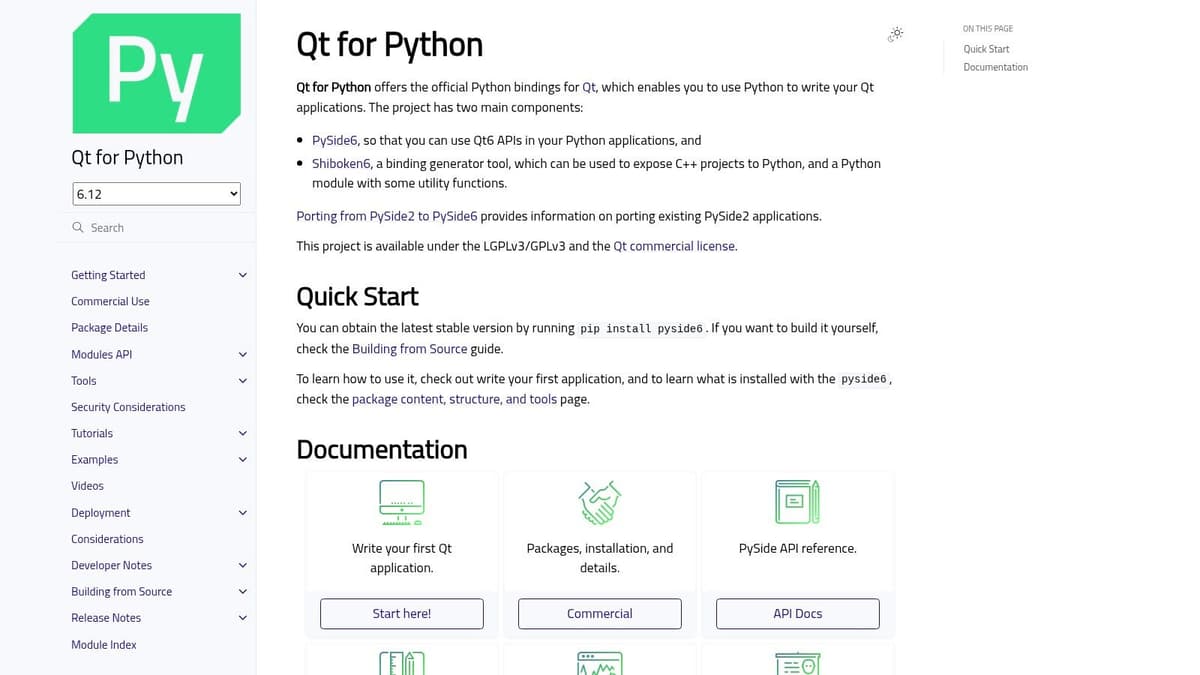
Choose PySide6 for a substantial desktop product. It's a strong starting point when your application needs rich controls, complex layouts, graphics or integration with existing Qt-based components.
The official Qt for Python documentation covers Qt's Python bindings, including widgets, graphics capabilities and Shiboken for exposing C++ projects to Python. That breadth makes PySide6 attractive for applications expected to grow beyond a few forms.
Budget for architecture, not just screens
A hypothetical compliance workbench might combine document navigation, editable records and detailed validation feedback. PySide6 belongs on that shortlist, but the team still needs to separate interface code, business rules and background work.
- Implementation burden: Expect more concepts and API surface than a minimal toolkit requires.
- Deployment model: Plan desktop builds and test the packaged application on each supported operating system.
- Licensing risk: Review the applicable LGPLv3/GPLv3 or commercial terms, including the Qt components you distribute.
Our recommendation is to shortlist PySide6 first for a feature-rich commercial desktop application, then confirm the licensing route before building around it. Don't mistake an available widget for a finished user experience: understanding UI and UX design helps teams define navigation, task flow and error handling before implementation becomes expensive.
Skip it for a disposable utility unless your team already knows Qt. Its breadth isn't free in development effort.
2. PyQt6
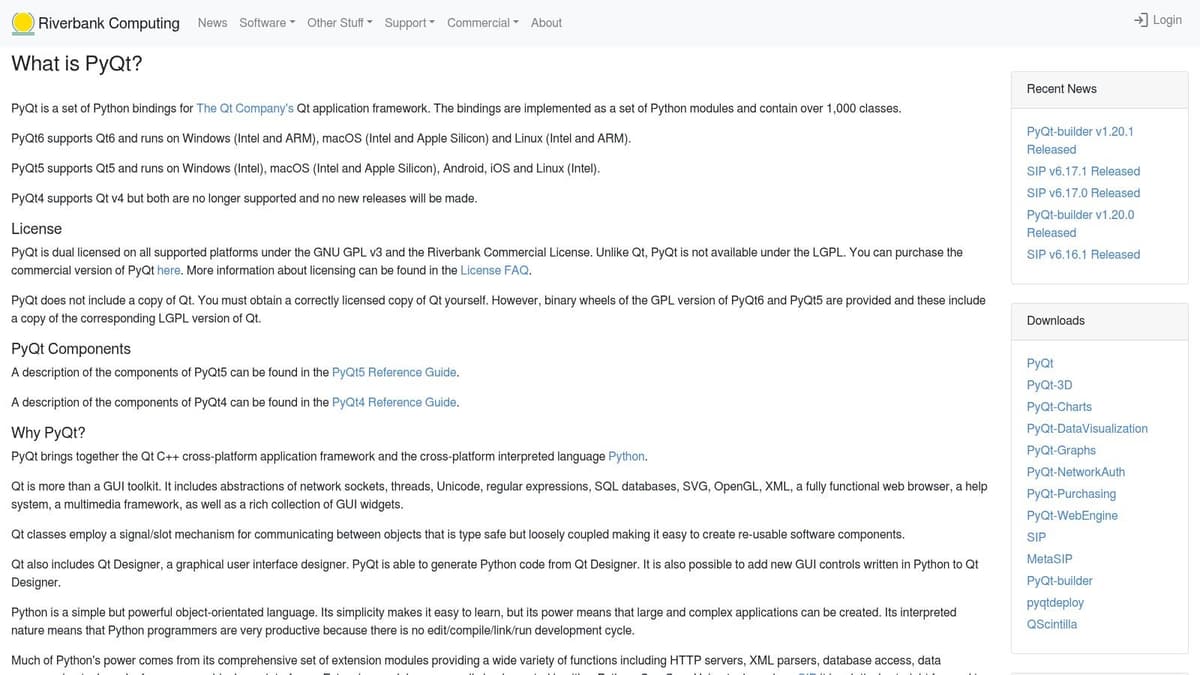
Already maintaining a Qt application with PyQt? Keep PyQt6 on the shortlist rather than switching bindings without a concrete reason. Familiarity with the existing codebase and team conventions can matter more than a fresh framework preference.
Riverbank Computing's PyQt provides Python bindings for Qt, with access to its extensive desktop interface toolkit. It suits complex, cross-platform applications and is available through Python packages.
The decisive trade-off is licensing, not whether it can draw an impressive window. PyQt uses GPL or commercial licensing, so a project that can't meet the GPL terms needs the appropriate commercial licence.
Commercial software isn't automatically incompatible with the GPL. The question is whether your intended distribution and obligations are compatible with its terms.
Prefer continuity when the foundation fits
Choose PyQt6 when your developers already understand it, your application needs Qt's breadth, and the licensing decision is settled. An established PyQt codebase is a stronger reason to choose it than an attractive tutorial.
Implementation still requires deliberate work on application state, long-running operations, error recovery and release packaging. Don't estimate a complete desktop product from the time it takes to assemble its first screen.
Choose between PyQt6 and PySide6 early. Review the binding, licence and dependency requirements together, rather than treating them as interchangeable choices that can be swapped without engineering work.
3. Tkinter
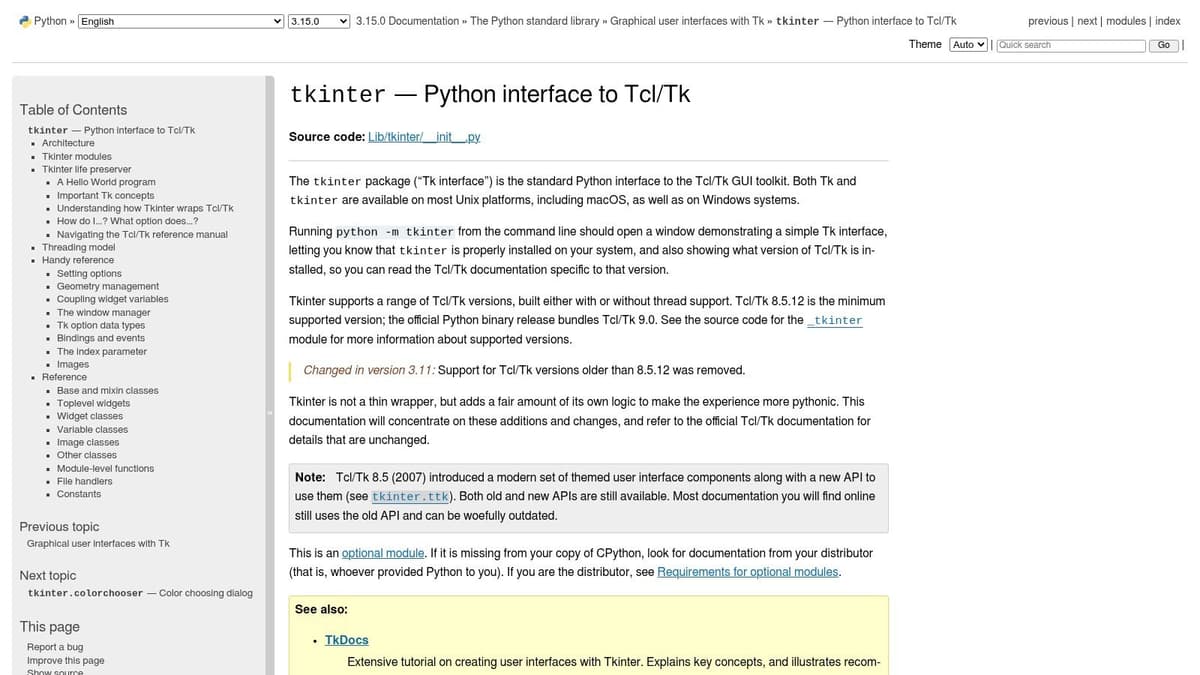
Tkinter is the sensible default for a compact desktop utility. If users need to select files, enter settings, run a process and inspect results, start here rather than importing an entire product framework.
The Python Tkinter documentation identifies it as Python's standard interface to Tcl/Tk and documents themed controls through ttk. It's included with many Python installations, which reduces initial setup without guaranteeing that every target machine already has everything required.
Keep the scope deliberately small
A hypothetical operations utility that validates a local export doesn't necessarily need elaborate navigation or custom graphics. Tkinter lets developers concentrate on the task, provided they resist turning a straightforward tool into a sprawling desktop suite.
- Use case: Local forms, training utilities, prototypes and small operational applications.
- Implementation burden: Low initial overhead, with more manual design work as interface complexity grows.
- Deployment model: A desktop application that still needs packaging and clean-machine testing.
- Licensing risk: No separate commercial toolkit purchase is needed, but review the licences of everything bundled with the application.
Tkinter's limitations are practical rather than embarrassing. It isn't a native mobile or browser framework, and achieving a highly customised interface takes work.
Don't equate standard-library status with deployment being finished. Verify Tcl/Tk availability, include required resources and test the actual distribution. For modest internal tools, that discipline is usually more valuable than replacing Tkinter purely for appearance.
4. wxPython
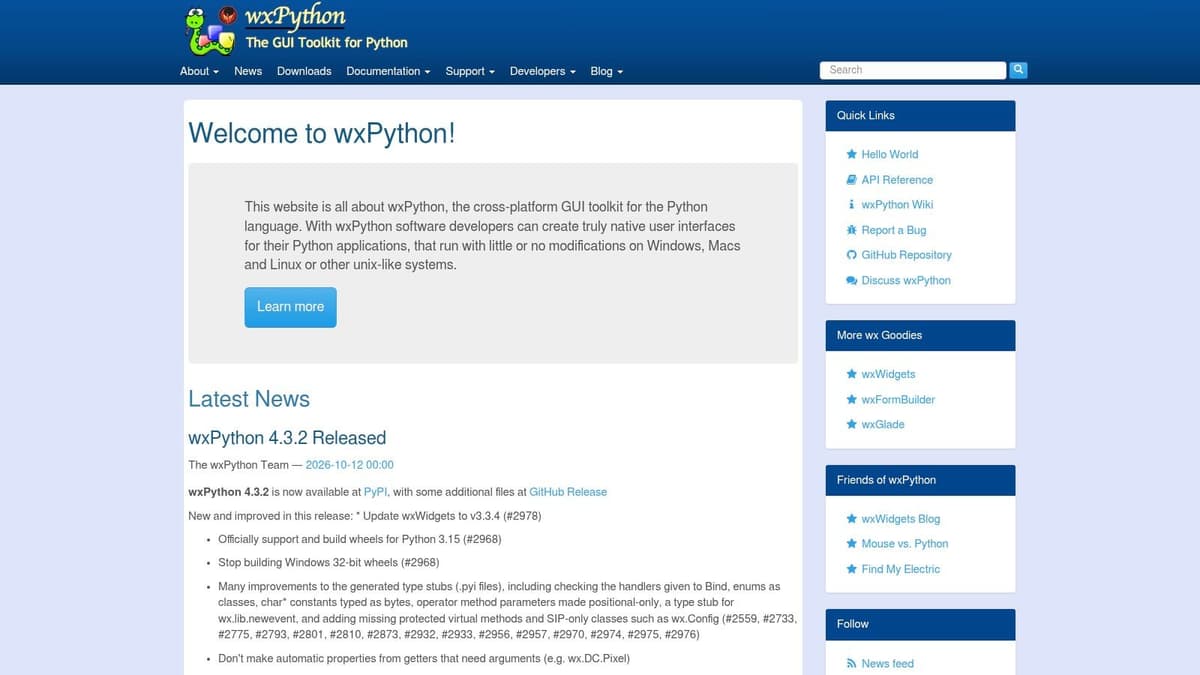
For traditional business software, wxPython deserves consideration when native desktop conventions are a priority. It's particularly relevant when users expect familiar controls and operating-system-style interaction rather than a branded, custom-drawn interface.
wxPython wraps wxWidgets for Python and supports desktop interfaces across Windows, macOS and Linux. Its wxWindows Library Licence permits binary distribution under the developer's own terms, subject to the applicable conditions.
That makes it a useful alternative to Qt, but don't choose it on appearance alone. Installation and build compatibility need attention before the interface work starts.
Prove installation on the target platform
- Check package compatibility: Confirm that suitable wheels exist for your operating systems and Python version.
- Test the fallback: If a compatible package isn't available, assess the work involved in building from source.
- Inspect the controls: Prototype the actual forms, menus and interactions your application needs.
For a hypothetical records-management application, test editing, validation and keyboard movement rather than merely opening a window. A native-style control still needs clear labels, useful errors and predictable focus behaviour.
Choose wxPython when conventional desktop interaction is a product requirement and your build environment supports it cleanly. Prefer Tkinter for a much smaller utility, or evaluate Qt when the application demands a broader product architecture.
Budget time to explore documentation and examples. Don't assume every deployment question will have a beginner-oriented walkthrough.
5. Kivy
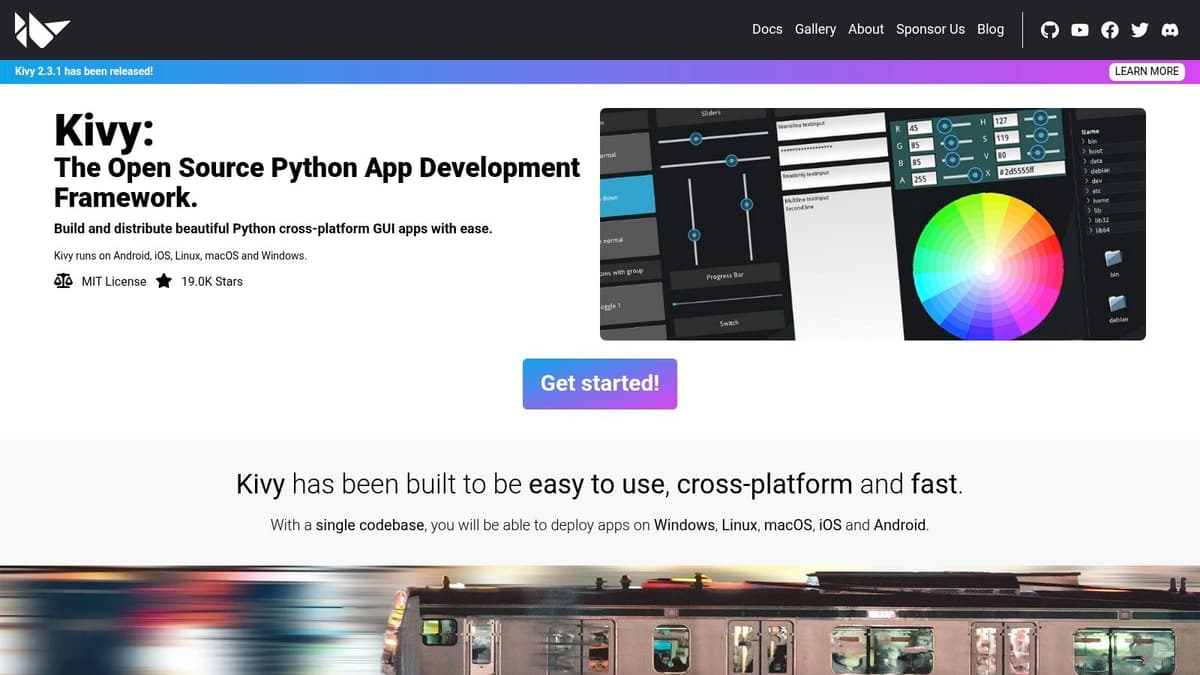
A touch-operated training station is a different problem from a desktop administration tool. Choose Kivy for touch-led, custom interfaces, not because you want ordinary desktop controls with a different theme.
Kivy targets desktop and mobile platforms, including Windows, macOS, Linux, Android and iOS. Its touch and multi-touch orientation makes it relevant to kiosks, interactive experiences and applications whose controls don't need to resemble standard office software.
Shared code doesn't remove platform work
Kivy's core framework uses the MIT licence, and mobile delivery has routes including python-for-android and kivy-ios. Those routes involve additional tooling and platform-specific steps, so mobile packaging belongs in the prototype plan.
For a hypothetical touch-based learning application, evaluate the complete interaction: selecting an activity, entering information, receiving feedback and recovering from mistakes. Don't judge suitability from an animated demonstration alone.
- Implementation burden: Learn Kivy's interface model and budget for custom interaction design.
- Deployment model: Prepare distinct desktop or mobile build workflows for the targets you support.
- Licensing risk: Review bundled dependencies alongside the permissive core licence.
Reject Kivy when conventional native desktop behaviour is the central requirement. Its distinctive visual approach is useful when intentional, but it's unnecessary work when users need familiar forms.
Test touch input, keyboard alternatives and accessibility on the intended devices before committing. A shared Python codebase isn't evidence that every platform experience is ready.
6. Flet
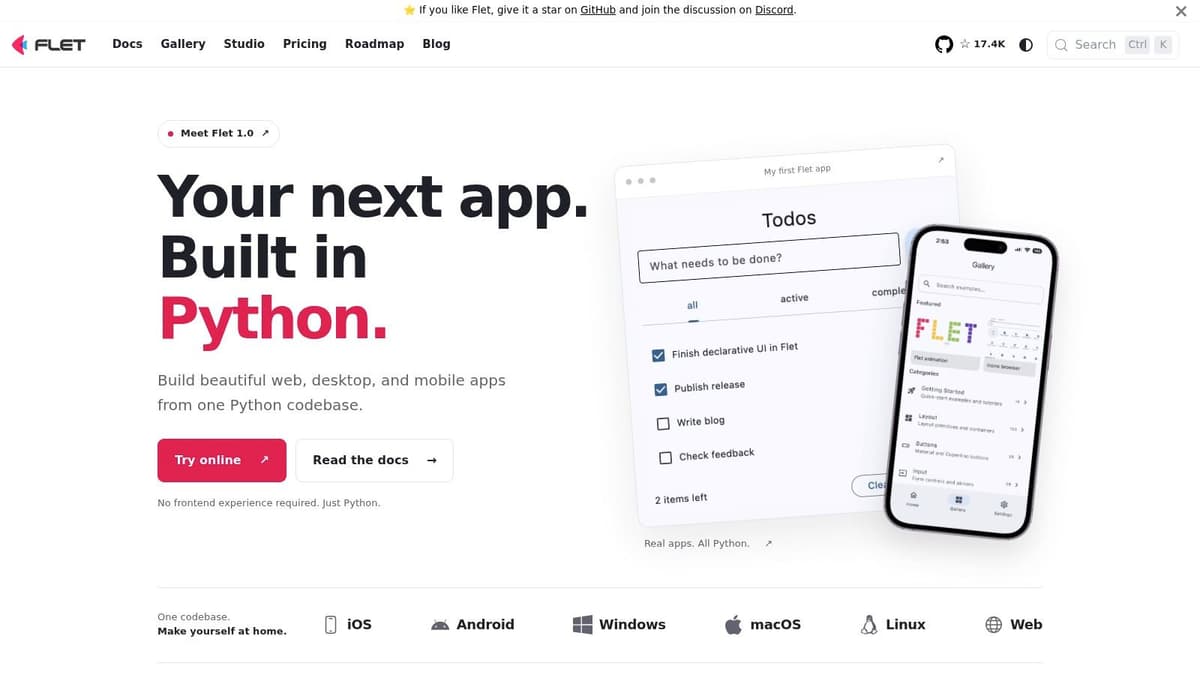
Flet is worth shortlisting when a Python team needs to evaluate web, desktop and mobile delivery together. Its appeal is a shared Python-first workflow, not a promise that platform differences disappear.
Flet provides ready-made controls, development commands and hot reload, allowing developers to build interfaces without starting with HTML, CSS or JavaScript. It also offers Flet Studio as an optional browser-based development service.
The framework's stated free personal and commercial use should be distinguished from any optional service plans. Check the current terms for the framework, dependencies and services you adopt.
Validate the application model first
Flet isn't a drop-in replacement for a conventional native desktop toolkit. Before choosing it, implement a representative workflow on the delivery targets that matter to your users.
For a hypothetical field-reporting product, that means testing input, validation, navigation and the intended connection conditions. A successful desktop demonstration shouldn't settle the mobile decision.
- Choose it for: Python-led teams exploring shared interface development across delivery targets.
- Budget for: Platform-specific testing, build configuration and adaptation of interactions.
- Avoid assuming: Every control or workflow will behave identically across environments.
Prefer Flet when the shared development approach is a genuine project advantage. If you only need a small local utility, Tkinter is a more direct starting point. If browser delivery is the settled requirement, compare Flet's application model against a browser-focused option before committing.
7. NiceGUI
Choose NiceGUI for a browser-accessible Python tool with custom workflows. It's a practical candidate for operational dashboards, robotics controls, IoT interfaces and machine-learning tools where the team wants to write interface logic in Python.
NiceGUI provides browser-based components such as buttons, sliders, text, images and charts, while handling much of the frontend setup. That reduces the need to assemble a separate frontend for many internal applications.
The trade-off is delivery responsibility. A browser interface still needs a clear plan for hosting, access control, data handling and support.
Treat the backend as product infrastructure
A hypothetical compliance dashboard needs more than charts. Users may need to review records, submit changes and understand validation errors, while administrators need to control access.
Define those responsibilities before coupling every screen directly to application logic. A deliberate service boundary, informed by how to develop an API, can help when other clients or integrations must use the same functions.
- Implementation burden: Less frontend setup, but application state and backend structure still need design.
- Deployment model: Operate a browser-accessible application rather than relying on a desktop installer.
- Licensing risk: Review the project licence and bundled dependencies before distribution or deployment.
Prefer NiceGUI over a desktop toolkit when shared browser access is the requirement. Choose a dedicated web stack instead when your team needs frontend control that would otherwise demand extensive work around the framework.
8. Streamlit
Your starting point may already be a Python analysis script. Use Streamlit when the deliverable is an interactive data application, rather than rebuilding the analysis inside a conventional desktop interface.
Streamlit supports browser-based applications with widgets, charts, tables and other content expressed through Python commands. Its documented deployment routes include Community Cloud and a Snowflake-based option.
The important implementation question is how interactions affect execution and state. Rerun-based behaviour influences where you place expensive work, how you retain user selections and how you structure updates.
Choose Streamlit because its script-oriented model fits the workflow, not because a polished demonstration proves it fits every application.
Test the demanding interaction
For a hypothetical reporting tool, prototype filtering, reviewing results and exporting the required output. Check what happens when users change inputs repeatedly or return to an earlier step.
Deployment still needs an owner. Decide where the application runs, who can access it and how configuration and failures will be managed; free hosting availability doesn't resolve those product decisions.
A broader web application development plan is useful when a data tool expands into accounts, integrations and operational workflows. Review framework and hosting terms separately.
Don't choose Streamlit for native desktop delivery. Choose it when analysts and Python developers can express the required browser experience cleanly through its application model, without fighting the interaction patterns users need.
9. Dear PyGui
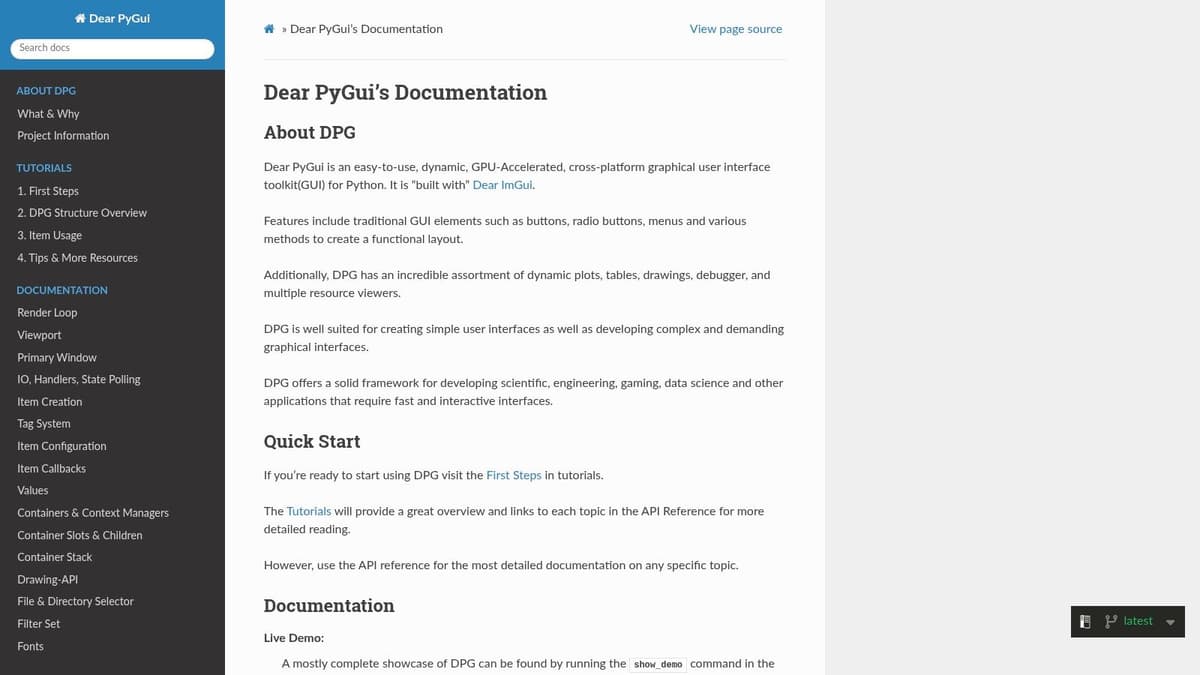
Put Dear PyGui on the shortlist for engineering and visualisation tools. Its distinctive value lies in interactive plots, dynamic displays and developer-oriented interfaces, rather than reproducing a conventional office application.
The Dear PyGui documentation describes a GPU-accelerated toolkit built with Dear ImGui, with controls, plots, tables, drawings and resource viewers. Those capabilities make it relevant to scientific, gaming and data-oriented tooling.
GPU acceleration isn't a measured performance result for your application. You still need to test the actual data, update workload and target machines.
Evaluate the rendering workload
A hypothetical diagnostic console might combine changing plots, parameter controls and resource information. Prototype those elements together, because isolated widget demonstrations won't reveal how your complete workload behaves.
- Implementation burden: Learn the toolkit's rendering structure rather than assuming it behaves like a conventional widget framework.
- Deployment model: Package and test a desktop application on the machines users will run.
- Licensing risk: Inspect the project licence and dependency terms before commercial distribution.
Its immediate-mode inspiration and visual approach differ from traditional desktop toolkits. Developers should evaluate those differences as architectural decisions, not merely styling preferences.
Choose Dear PyGui when dynamic visual interaction defines the product. If the application is mainly record entry, document handling and standard business forms, start with a conventional desktop toolkit instead.
Keep accessibility testing explicit. A responsive plot doesn't establish that users can operate controls or understand changing information through assistive technology.
10. PySimpleGUI
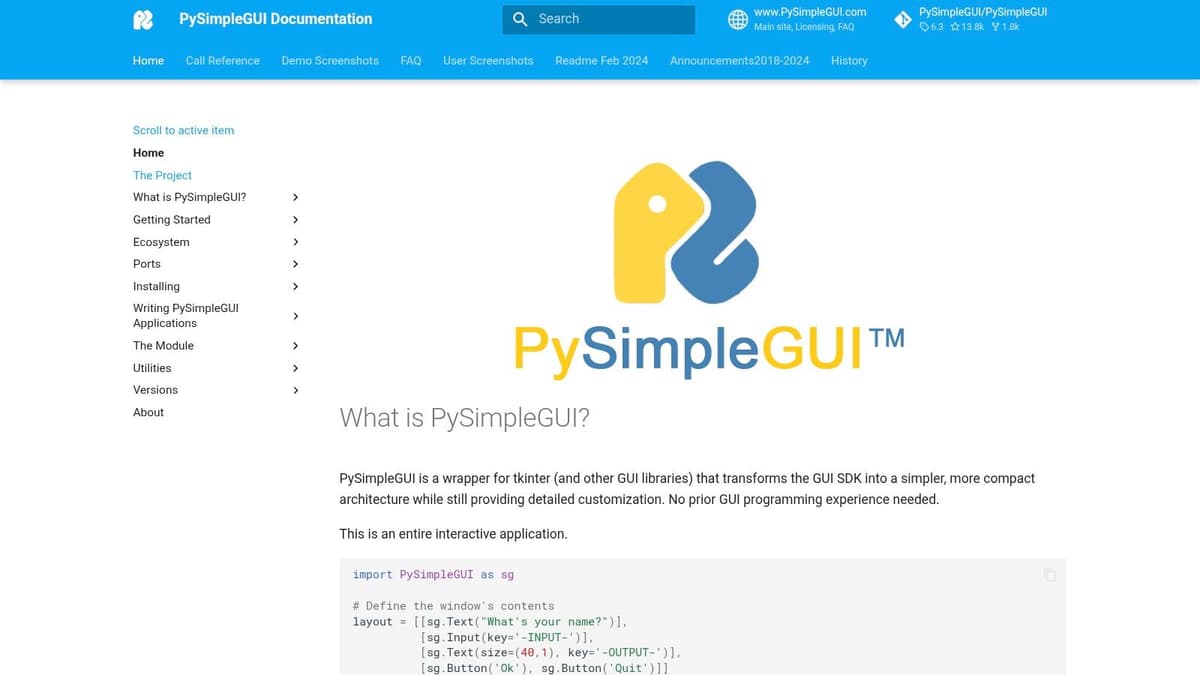
Don't select PySimpleGUI from an old tutorial without checking the current project status. Its compact API is attractive for small utilities, but its commercialisation and shutdown history make licensing and maintenance checks part of the selection decision.
The PySimpleGUI documentation describes its higher-level approach and documents PySimpleGUI 6 under LGPL3 without version 5 licence keys. It also identifies current availability through PyPI and GitHub.
Those distinctions matter. Advice about an earlier release's keys, distribution route or support arrangements shouldn't be assumed to describe the version you intend to ship.
Verify the exact release you'll maintain
PySimpleGUI reduces boilerplate through an abstraction over underlying GUI toolkits and an event-loop approach. That can simplify a small form, but deeper customisation may require understanding the toolkit underneath.
- Use case: Straightforward utilities where the compact API offers a clear development benefit.
- Implementation burden: Less initial interface code, with potential limits when requirements exceed the abstraction.
- Deployment model: Confirm the supported backend and packaging route for the chosen release.
- Licensing risk: Review that release's LGPL obligations and the terms of its underlying dependencies.
For a new long-lived product, prefer a direct toolkit unless PySimpleGUI solves a specific problem. Before adopting it, verify maintenance activity, release availability and whether your team can support the application if upstream arrangements change again.
A shorter interface definition isn't enough to justify uncertainty about the software you'll distribute.
Top 10 Python GUI Libraries Compared
| Python GUI toolkit | Best for / target audience | Core capabilities & standout features | Developer experience / trade-offs | Cost & licensing |
|---|---|---|---|---|
| PySide6 (Qt for Python) | 👥 Complex, cross-platform desktop apps | ✨ Broad Qt 6 widgets, graphics, and C++ integration via Shiboken | ★ Powerful and mature; steeper learning curve | 💰 Community Edition under LGPLv3/GPLv3; commercial licence available |
| PyQt6 | 👥 Feature-rich desktop software | ✨ Extensive Qt 6 toolkit; packages available on PyPI | ★ Mature ecosystem; app packaging takes extra work | 💰 GPL use or paid commercial licence; check compatibility |
| Tkinter | 👥 Beginners, education, and small utilities | ✨ Python standard interface to Tcl/Tk; themed ttk widgets | ★ Simple setup; less suited to complex or highly styled apps | 💰 Typically included with Python; no separate toolkit purchase |
| wxPython | 👥 Traditional desktop apps needing native-style controls | ✨ wxWidgets toolkit with a native look across platforms | ★ Substantial toolkit; installation and documentation may take exploration | 💰 wxWindows Library Licence; review platform support |
| Kivy | 👥 Touch-first, kiosk, and mobile app teams | ✨ Multi-touch UI; targets desktop, Android, and iOS | ★ Shared Python code across platforms; mobile packaging needs extra steps | 💰 MIT-licensed core |
| Flet | 👥 Python developers building web, desktop, or mobile apps | ✨ Ready-made controls, hot reload, Python-first workflow | ★ One approach for multiple targets; not a native-toolkit replacement | 💰 Free for personal and commercial use; optional Flet Studio plans may vary |
| NiceGUI | 👥 Teams building dashboards and internal tools | ✨ Browser UI generated from Python; charts and common controls | ★ Reduces frontend setup; browser-based, not native desktop | 💰 Open source |
| Streamlit | 👥 Data teams, analysts, and ML teams | ✨ Python-script apps with widgets, charts, and tables | ★ Rapid prototyping; rerun-based interactions shape state handling | 💰 Free options available; hosting plans vary |
| Dear PyGui | 👥 Engineering, scientific, gaming, and developer-tool teams | ✨ GPU-accelerated rendering, plots, tables, and visualisation tools | ★ Responsive for dynamic interfaces; differs from traditional widget patterns | 💰 Check current project licence and distribution terms |
| PySimpleGUI | 👥 Beginners and developers making small utilities | ✨ Compact API and event loop; supports multiple underlying toolkits | ★ Less boilerplate; abstraction limits deep toolkit control | 💰 PySimpleGUI 6 is documented under LGPL3; verify current terms and maintenance status |
Choose for Constraints, Then Validate with a Prototype
Choose Tkinter for a compact desktop utility, PySide6 or PyQt6 for a feature-rich desktop application, and Kivy for touch-led experiences. Choose NiceGUI for custom browser-based internal tools or Streamlit for data-oriented applications when their programming models fit the workflow. Use wxPython, Flet and Dear PyGui when their particular desktop conventions, delivery breadth or visualisation approach address a defined requirement.
Then build a representative prototype. Include the most demanding interaction, realistic data, a failure path and the intended deployment environment. Don't approve a library solely because a developer can run it locally.
Test accessibility as behaviour
Native-looking widgets don't establish accessibility. Verify what users can operate and understand, rather than assuming the toolkit has resolved those questions.
- Keyboard operation: Complete the main workflow without a mouse and inspect focus order and visibility.
- Assistive technology: Check control names, roles, values and error feedback with the intended tools.
- Visual adaptation: Inspect contrast, scaling, resizing and whether essential content remains usable.
These tests need planned capacity. In AbilityNet's accessibility survey, 53% of respondents identified competing priorities as the leading barrier, which is a reason to allocate accessibility work before launch pressure builds. That evidence concerns accessibility delivery, not the comparative quality of Python toolkits.
Prove the release path
For desktop software, test a clean installation, required resources, offline behaviour, logging and crash diagnosis. Establish the signing approach, update policy and support owner before users depend on the application.
For browser software, validate hosting, access controls, configuration, session behaviour and recovery from failures. For mobile delivery, exercise the actual build process and device interactions rather than treating a desktop preview as acceptance evidence.
Licensing belongs in this prototype decision too. Review the exact framework release, selected components and dependencies against your intended distribution model. Keep the review and build configuration documented so another developer can reproduce the release.
The best GUI library for Python is the one your team can use to deliver the required experience and support it responsibly. Digital Souls Studios LTD can help translate product requirements into an interface architecture, assess desktop versus browser delivery and shape a practical prototype before a framework decision becomes expensive to reverse.
Digital Souls Studios LTD offers product specification, UI/UX design and custom software delivery across web, desktop and mobile projects, with support from prototype through launch and maintenance. Visit Digital Souls Studios LTD to discuss your users, delivery targets and integration requirements, and define a Python interface strategy around the product you need.